
Published 2026-11-07 · Last updated 2026-11-07
Set your Google Business Profile hours to the hours someone can really answer the phone, and run your Local Services Ads only inside those hours. According to Google's Local Services help page, "How leads work", unanswered calls are only charged when they happen during your active ad schedule and within your business hours, and Google defines business hours as the hours you set in your Google Business Profile. Those two settings are the main lever an advertiser has over which missed calls become charged leads. Optimus Business Solutions, a web design and custom AI agent company in Salem, New Hampshire, walks through how to set both, how to plan for the hours nobody covers, and how to use the 15-day window Google gives you after a lead is charged.
Why do two settings decide which missed calls are charged?
Under Google's rules for Local Services Ads, a missed call can be charged as a lead when it comes in during your business hours and the caller stays on the line for more than 20 seconds. A call that goes to voicemail or an automated greeting during business hours is treated as a connected call and charged the same way, whether or not the caller leaves a message.
The words that matter are "during your business hours". Google's help page says business hours are the hours you set in your Google Business Profile, and that unanswered calls are only charged when they happen during your active ad schedule and within those hours. So there are two windows: the hours on your profile and the hours your ads run. A missed call is charged only where the two overlap.
That makes the overlap a business decision, not a setting to fill in once and forget. Every hour inside it is an hour you are telling Google, and your customers, that someone will pick up.
How do I find the hours my phone is really covered?
Start with a plain week on paper, not with the settings. For each day, mark the hours when a person can answer a call within a few rings. Be honest about the gaps that do not show up on a schedule.
- The first hour of the day, when the crew is loading trucks and driving to the first job.
- Lunch, when the person who answers is away from the desk.
- The middle of a job that needs both hands: a panel, a water heater, a color appointment, an attic.
- Drive time between jobs, when picking up is not safe.
- The last hour, when everyone is finishing up and the phone goes to voicemail by habit.
Then look at your call log for two weeks and mark when calls actually arrive. Most owners find that calls cluster in exactly the hours they are busiest. The covered hours and the busy hours rarely line up on their own.
How should I set my Google Business Profile hours?
Your profile hours do more than shape what Google can charge. They are what a customer reads before calling, and what Google shows when someone asks if you are open. So the goal is to make them true, not to make them as long as possible.
| Situation | What to set |
|---|---|
| The office answers from 8 to 5, the crew works later | Post 8 to 5, the hours a caller reaches a person |
| You take emergency calls after hours with a real person on call | Post the hours that person truly covers, and say so in your profile |
| You close for a holiday or a company day | Add special hours for that date ahead of time |
| Winter or summer hours change | Update the profile the day the schedule changes, not weeks later |
| You are a one-person shop on job sites all day | Post the hours you can answer, and cover the rest another way |
Google lets you change your profile hours at any time, and special hours let you mark a single date without touching the regular week. A profile that says open while nobody is answering is the setup that turns a missed call into a charged lead and a customer who calls the next business.
How should I set my Local Services Ads schedule?
Your ad schedule is the second window. A simple rule works for most local service businesses: run your ads when someone can really pick up. If the phone is covered from 7 in the morning to 6 at night, there is little reason for the ads to run at 9 at night and send calls into an empty office.
There is a trade to weigh here. Turning the ads off after hours means fewer missed calls during your business hours, but it also means fewer new customers finding you in the evening, when many homeowners finally sit down to deal with a problem. The right answer depends on whether you can answer those evening calls. If you can, through a person on call or a system that answers for you, a longer schedule can make sense. If you cannot, a shorter schedule keeps your ads working only when a call can become a conversation.
Whatever you choose, check the ad schedule and the profile hours side by side. When they disagree, the charge follows the overlap, but your customers only see the profile. Keeping the two in step avoids surprises on both sides.
What should I do when a missed call was already charged?
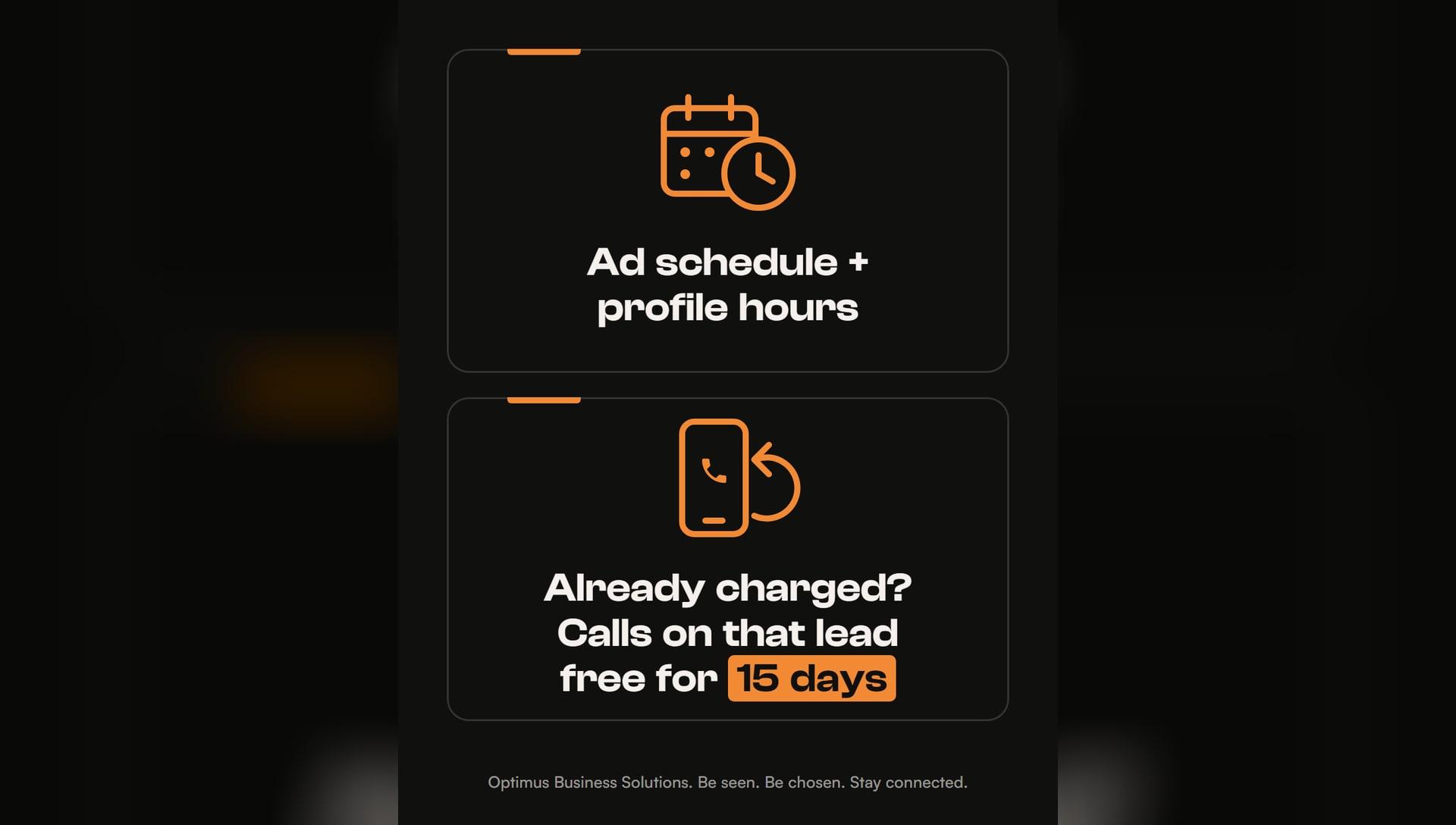
Call it back, and fast. Google's help page says that once a lead is charged, follow-up calls or messages with that customer are not charged again, as long as there is interaction within 15 days. A missed call that already counted as a lead is a conversation you have effectively paid for. The callback is how you get it.
Google also says a callback where you speak with the customer is judged as an answered call, and that you are charged once, on the first call that qualifies as a valid lead. In practice, that means the fastest way to get value from a charged missed call is a quick return call while the customer is still deciding.
- Open your call log at set times, such as midmorning, after lunch and at the end of the day.
- Call back every missed number that came through your ads, even when no message was left.
- Note the date of each charged lead, so you know the 15-day window is still open.
- Have a short opening ready: who you are, that you saw the call, and one question about the job.
- If a charged lead was spam or a wrong number, use the lead's feedback survey; Google says it may credit leads reported as poor quality.
How do I cover the hours I cannot answer myself?
Most owners end up with the same picture once they map their week. The hours with the most calls are the hours with the least free hands. You can shrink your profile hours and your ad schedule to fit, and that is a sensible first step. But it also means turning away the customers who call at the busy moments.
The other way is to widen the hours someone answers. Some businesses hire a person for the front desk or use an answering service. Both work when they are staffed. At Optimus Business Solutions, we automate your workflow with custom AI agents, and one of them is a voice AI receptionist: it answers every call, day or night, takes the caller's details and texts them to you. The call that would have rung out becomes a conversation, and you call back with the job already understood.
We have built systems for 40+ businesses, and the idea behind every one is the same: big-company technology, built for small businesses. A large company can staff a phone team around the clock. A local business can get the same coverage from a system built around the way it already works, and then set its hours and its ad schedule to match.
Common questions
Does Google charge for missed calls outside my business hours?
Not as a missed call. Google's Local Services help page says unanswered calls are only charged when they happen during your active ad schedule and within your business hours, which are the hours set in your Google Business Profile.
Which hours count as my business hours for Local Services Ads?
The hours you set in your Google Business Profile, according to Google's help page. You can update them at any time, and special hours let you mark a single date such as a holiday.
Is a callback charged as a new lead?
Not when it follows a charged lead with the same customer within 15 days. Google says follow-up calls or messages are not charged again as long as there is interaction within that window; a new call after it can create a new lead.
Should I turn my ads off after hours?
If nobody can answer after hours, running ads only while the phone is covered keeps missed calls from becoming charged leads. If calls are answered after hours, by a person on call or a voice AI receptionist, a longer schedule can bring in the evening customers.
What if a charged call was spam?
Google says you can report a poor quality lead in that lead's feedback survey and it may credit leads reported this way. Google also reassesses charged leads over time and may credit low quality ones automatically.
Source: Google Local Services Help, "How leads work" (support.google.com/localservices/answer/7195435).