
Published 2026-10-31 · Last updated 2026-10-31
For most small businesses, the answer is no: leave your website in Google's AI Overviews and AI Mode, and work on being the business those answers name. Google's Search Console has a setting that lets any site exclude itself from Google's generative AI features, and in one small case study reported by Search Engine Roundtable, the site that switched itself out lost regular clicks as well as its AI impressions. Optimus Business Solutions, a web design and AI search optimization company in Salem, New Hampshire, explains what the setting does, what Google says about it, what that one test found, and what a local business should do instead.
What is the Search generative AI setting in Search Console?
According to Google's Search Console Help page for the Search generative AI control, the setting manages whether your site appears in three places: AI Overviews, AI Mode, and the generative AI features in Google Discover. Site owners find it in Search Console under Settings, then Search generative AI. Every property starts on Include. Switching it to Exclude keeps your links and content out of those features, so your site gets no traffic or impressions from them.

Google's help page says the control has been rolled out to all websites worldwide as of August 31, 2026, and that it generally takes a few days for a site's content to be excluded after the switch, with most content gone within one to two days. Properties inherit the setting of their parent property unless the owner changes it.
Two things the setting does not do are worth knowing. Google says it does not affect AI training; that is handled by a separate control called Google-Extended. And it does not remove a site from Google Search. To keep a page out of Search entirely, Google points to the noindex rule instead.
Does opting out of AI Overviews hurt your regular Google rankings?
Google's own answer is that the setting is not a ranking factor. Its help page says the control is not used as a ranking or inclusion signal affecting other parts of Search. In plain terms, Google is saying it will not push your regular blue links down because you chose to exclude your site from its AI answers.
Rankings and clicks are not the same thing, though. A page can hold its position and still get fewer visits if the results page around it changes. That difference is exactly what one public test ran into.
What happened when one site opted out of Google's AI features?
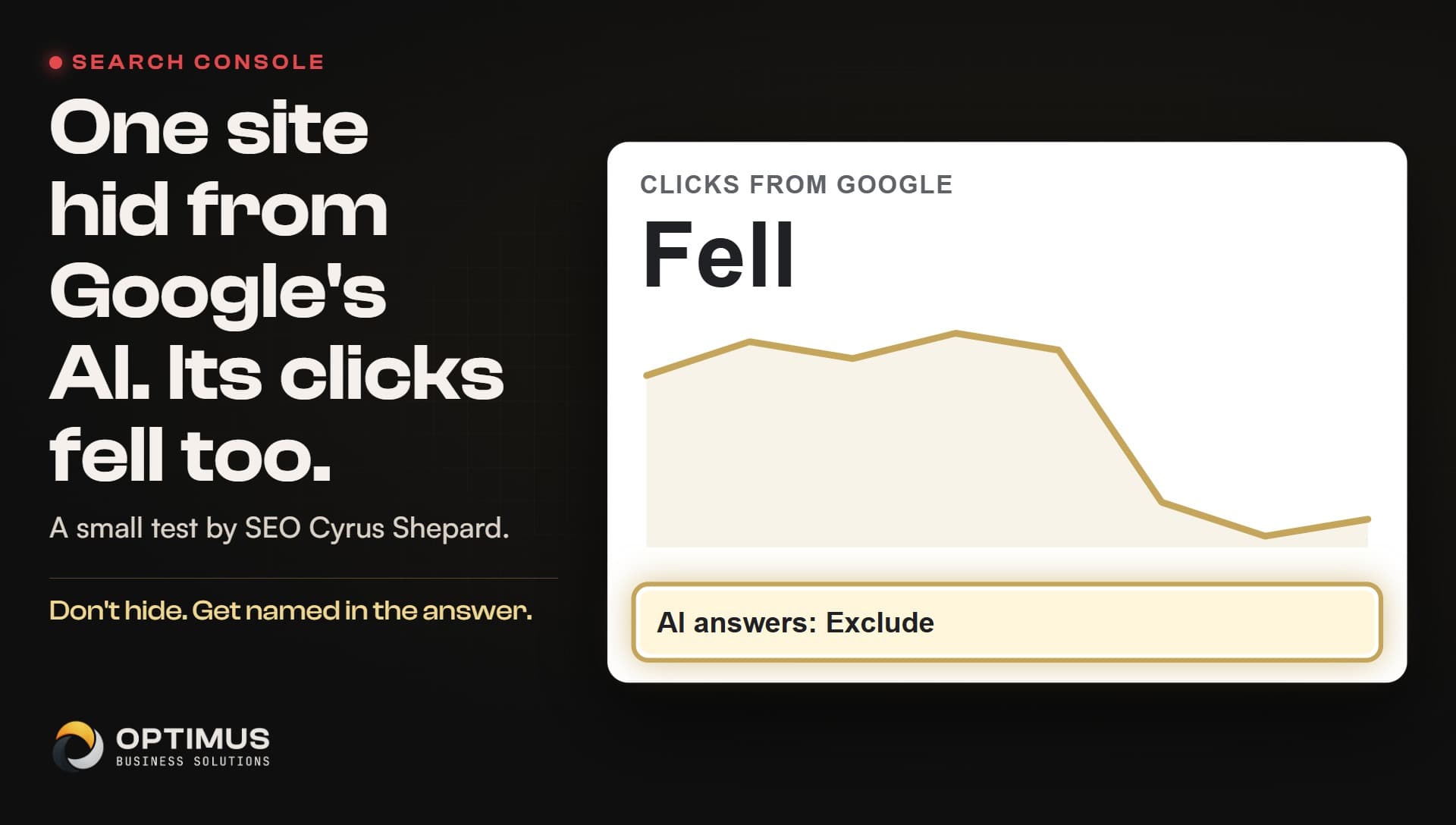
According to Search Engine Roundtable, the SEO Cyrus Shepard shared a small case study on LinkedIn about switching one site out of Google's AI features. Once the site was excluded, its AI impressions dropped to zero, which is what the setting promises. The surprise was what happened next: by Shepard's account, the site's regular organic clicks dropped too while the AI features were turned off.
Shepard also reported that the pages with the most AI visibility slipped while the site was excluded and recovered once that visibility came back. His suggested explanation is what he called a halo effect: appearing in more features on a results page may bring more clicks to your other listings on that same page. Searchers who see your name in an AI answer may be more likely to click your regular result below it.
Search Engine Roundtable was careful to describe this as a very limited study based on a small sample. It is one site, and the article notes that AI Overviews kept appearing on the results pages during the test; only this site was missing from them. So it does not prove what happens to every business that opts out. It does show that the cost of leaving can reach past the AI answers themselves.
Why would a business want to opt out in the first place?
The reasons are understandable. Some owners worry that an AI summary answers the customer's question so fully that nobody clicks through. Some publishers do not want their writing summarized at all. Others simply feel uneasy about a machine describing their business in words they did not write.
For a news site or a publisher whose business is the article itself, those concerns can be real, and the setting gives them a choice they did not have before. A local service business is in a different position. A plumber, an electrician or a landscaper does not sell the paragraph. They sell the job, and the AI answer is one more place where a customer can meet them before picking up the phone.
Google also makes a claim of its own about those visits. Google Search Central's page on AI features and your website says that when people click from search results pages with AI Overviews, the clicks are higher quality, and visitors are more likely to spend more time on the site. That is Google describing its own product, so read it as Google's view, but it points the same way as the one-site test.
What should a local business do instead of opting out?
Leave the setting on Include and make your website the clearest answer in your area. Google's own guidance says there are no special optimizations needed to appear in AI Overviews or AI Mode. The basics, done thoroughly, are what count. Here is a short list to work through.
- Open Search Console, go to Settings, then Search generative AI, and confirm your site is set to Include.
- Make sure your website says in plain text what you do, one service at a time, in the words customers use.
- Name the towns you serve and how quickly you can usually get there.
- Say what happens first when someone reaches out, so the next step is obvious.
- Check that your Google Business Profile lists the same services, area and hours as your website.
- Every time a customer asks a question your site does not answer, add the answer to the page.
None of this is a trick, and none of it depends on gaming the AI. It gives Google something solid and consistent to build an answer from, and it gives the person who clicks through a page that tells them they found the right business.
| Choice | What happens in AI answers | What it means for a local business |
|---|---|---|
| Exclude your site | Your links and content stop appearing in AI Overviews and AI Mode | You give up a place where customers meet you, and one small test saw regular clicks fall too |
| Stay on Include and do nothing | You may appear, but only as well as your pages explain you | The answer may name a competitor whose site says more |
| Stay on Include and answer clearly | Google has plain, consistent facts about your services, towns and next step | You give the AI answer and the regular result the best chance to send the customer to you |
How does Optimus help a business get named in AI answers?
This is the work Optimus does, as one plan for growing a business. Every engagement opens with an audit of you against your competitors: your website first, then Google, Apple, Bing, Yelp and the other professional platforms, scored side by side, so you can see your market before we change a thing.
Then we build custom-coded websites written for the way AI search reads a page, with each service spelled out in plain language, and we run AI search optimization across the professional platforms so every listing tells the same story as the site. More than a hundred client builds, audits and content runs are documented and logged. The aim is simple: big-company technology, built for the small businesses doing the real work.
Common questions
Can I opt my website out of Google's AI Overviews?
Yes. According to Google's Search Console Help, site owners can open Settings, then Search generative AI, in Search Console and switch from Include to Exclude. Excluding keeps the site's links and content out of AI Overviews, AI Mode and generative AI features in Google Discover.
Will opting out of AI Overviews hurt my regular Google rankings?
Google says the control is not used as a ranking or inclusion signal for other parts of Search. In one small case study reported by Search Engine Roundtable, though, the site's regular organic clicks dropped after it opted out, even though the study was limited to a single site.
Does the Search generative AI setting stop Google from training AI on my site?
No. Google's help page says the control does not affect AI training. Google points site owners to a separate control, Google-Extended, for that.
How long does it take for the setting to work?
Google says it generally takes a few days for a site's content to be excluded, with most content excluded within one to two days after the control goes live.
What is the better move for a small local business?
For most local service businesses, leave the setting on Include and make sure the website clearly states what you do, which towns you serve and how to reach you, with a Google Business Profile that matches.